← All plugins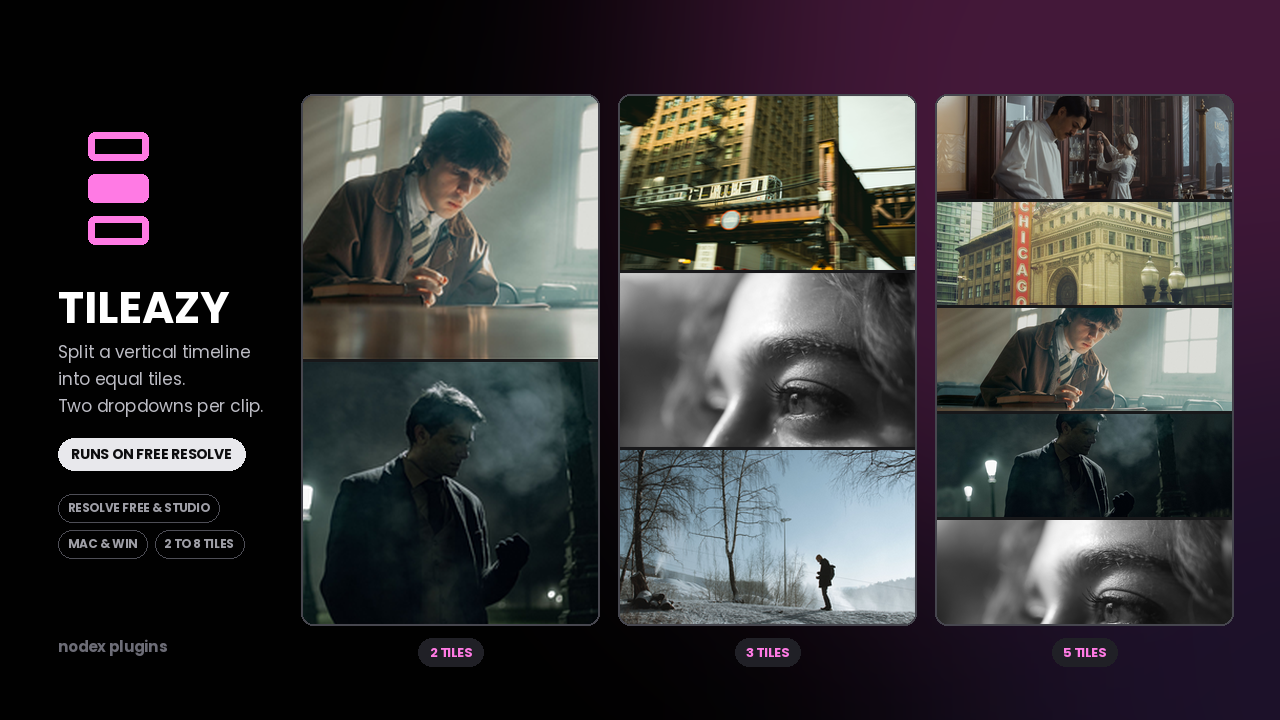
Get it on Gumroad$5
Tileazy
Split a vertical timeline into 2 to 8 equal tiles. Two dropdowns per clip.
Free & Studio$5
What it does
Two dropdowns and you are done.
Pick how many tiles the frame is divided into, then pick which tile this clip occupies. Repeat on the next clip.
Equal tiles, always.
The frame is divided evenly from 2 to 8. No manual transform maths and no drifting alignment between clips.
Made for vertical delivery.
Stacked layouts for Reels, Shorts and TikTok, where several shots share one vertical frame.
Controls
| Control | Range | What it does |
|---|---|---|
| Tiles | 2 – 8 | How many equal slices the frame is divided into. |
| Position | 1 – 8 | Which slice this clip fills. |
| Scale | 50 – 200 | Zoom of the source inside its tile. |
| Offset X / Y | -100 – 100 | Reframes the source inside its tile. |
Compatibility
| Resolve version | 18 and later |
|---|---|
| Edition | Free and Studio |
| Platform | macOS and Windows |
| Install type | .drfx, double-click |
| Found under | Effects → Fusion → NODEX |
Install type: Fusion effect (.drfx). See the install guide.
Honest notes
What it can't do.
- Tiles are equal by design. If you need a 60/40 split or uneven rows, this is the wrong tool.
- Horizontal splits only — the frame is divided top to bottom, not side to side.
- Each clip needs the effect applied individually. There is no single master layout node.
- Tiles are cropped from the source, so a wide shot squeezed into one eighth of a vertical frame will lose most of its edges.
What's included
- Tileazy .drfx installer
- Example timeline showing a 3-tile layout
- Free updates on the same Gumroad download
Questions before buying? Write to support@nodexplugins.com — the person who made the plugin answers.
Other plugins
- Social GuideSee exactly what Instagram, TikTok and YouTube will cover, before you export.
- Color PipelineLog to Rec.709 with the node tree already built. One clip or the whole timeline.
- SloShutter LiteMotion trails built by frame accumulation. Shutter drag on your timeline.
- SloShutter ProContinuous drag calculated by optical flow. Long exposure, on video.