← All plugins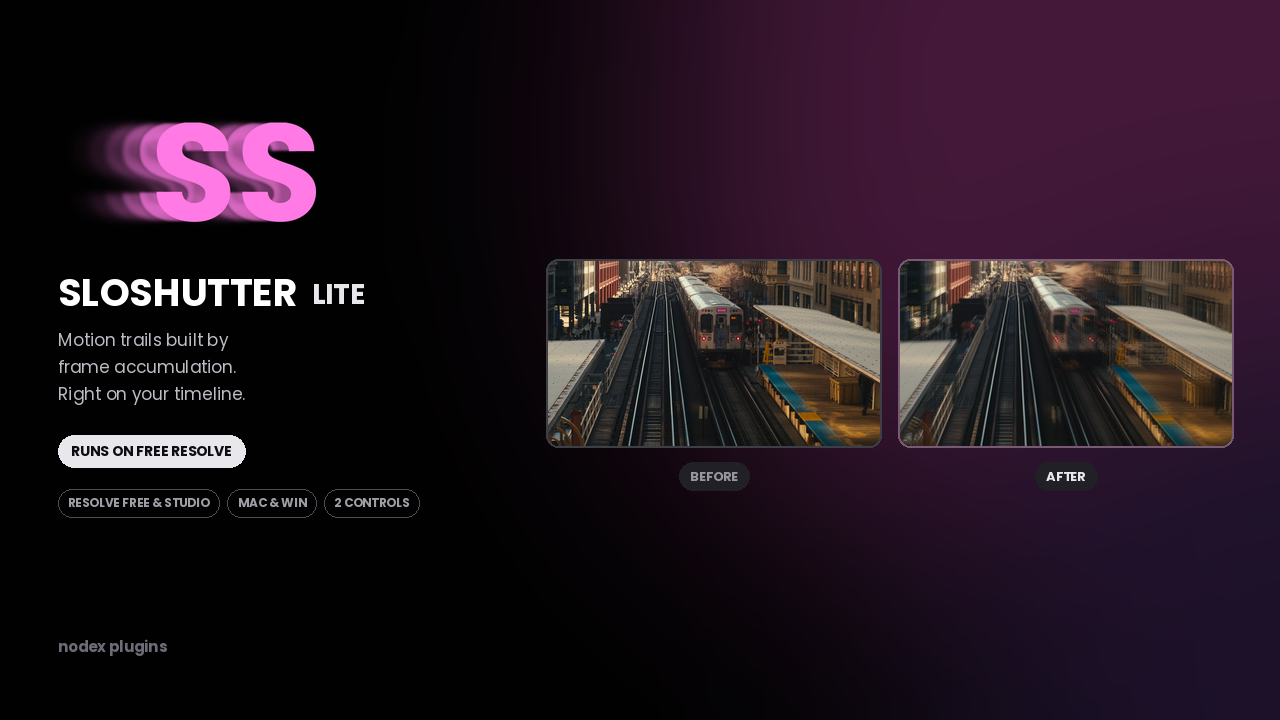
Get it on Gumroad$3
SloShutter Lite
Motion trails built by frame accumulation. Shutter drag on your timeline.
Free & Studio$3
What it does
Frame accumulation, nothing exotic.
It blends a run of neighbouring frames into one, the way a longer shutter would. Two controls, no setup.
Runs on free Resolve.
Built from Fusion's own nodes, so it works in the free edition as well as Studio.
Good on continuous movement.
Traffic, water, crowds, camera pans. Anything with steady motion picks up a clean trail.
Controls
| Control | Range | What it does |
|---|---|---|
| Frames | 2 – 16 | How many frames are accumulated into the trail. |
| Blend | 0 – 100 | Mix between the original frame and the trail. |
Compatibility
| Resolve version | 18 and later |
|---|---|
| Edition | Free and Studio |
| Platform | macOS and Windows |
| Install type | .drfx, double-click |
| Found under | Effects → Fusion → NODEX |
Install type: Fusion effect (.drfx). See the install guide.
Honest notes
What it can't do.
- It samples discrete frames, so on fast motion the trail can look stepped rather than continuous. That is the method, not a bug — SloShutter Pro exists for the continuous version.
- Higher frame counts slow playback. Render cache is your friend.
- Cuts inside the accumulation window bleed the previous shot into the first frames of the next one.
- It does not create motion. A locked-off static shot stays static.
What's included
- SloShutter Lite .drfx installer
- Quick-start page with suggested settings
- Free updates on the same Gumroad download
Questions before buying? Write to support@nodexplugins.com — the person who made the plugin answers.
Other plugins
- Social GuideSee exactly what Instagram, TikTok and YouTube will cover, before you export.
- Color PipelineLog to Rec.709 with the node tree already built. One clip or the whole timeline.
- SloShutter ProContinuous drag calculated by optical flow. Long exposure, on video.
- TileazySplit a vertical timeline into 2 to 8 equal tiles. Two dropdowns per clip.