Color Pipeline
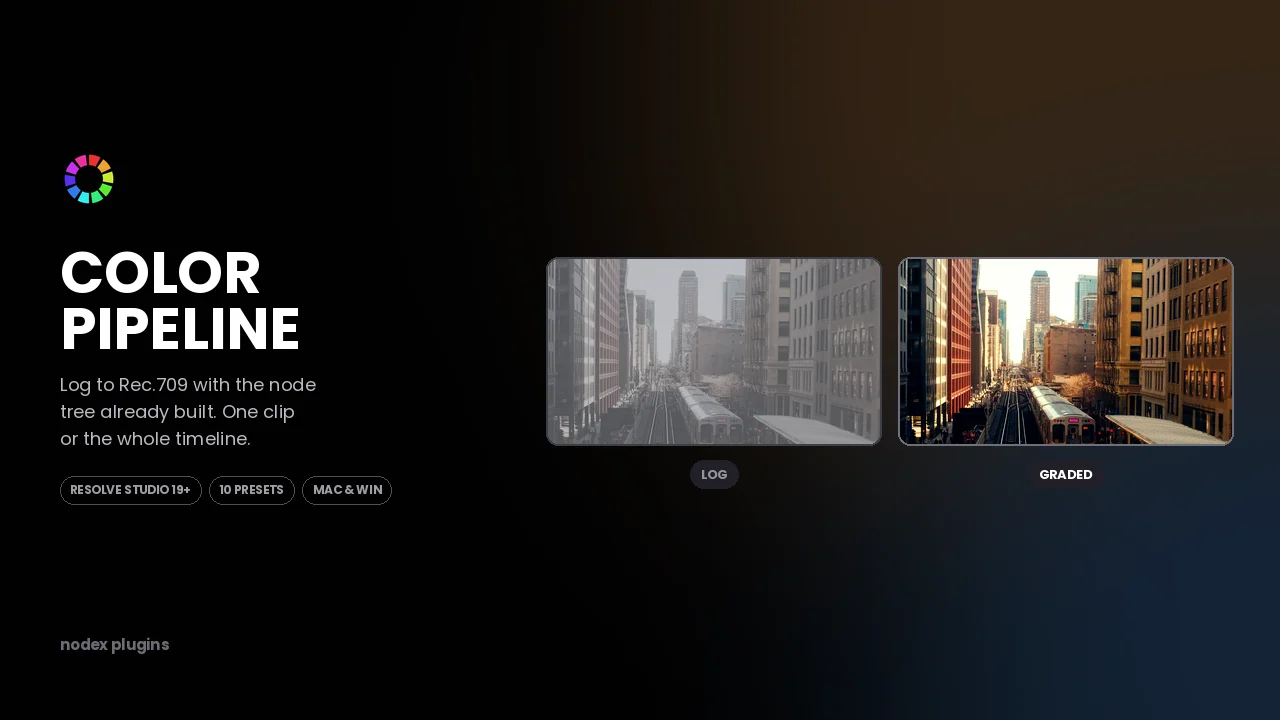
Log to Rec.709 with the node tree already built. One clip or the whole timeline.
What it does
The node tree, already wired.
Input transform, exposure and balance, a creative look node and an output transform — placed in the order a colourist would build them, with each node named.
Ten starting points.
Ten presets covering the common Log sources. They are starting points, not one-click looks: every node stays editable after it lands.
One clip or all of them.
Apply to the selected clip, or run it across the whole timeline. Existing grades are left alone unless you ask it to overwrite.
It leaves nothing behind.
The result is ordinary Resolve nodes. Uninstall the plugin and your grade still opens and still renders.
Controls
| Control | Range | What it does |
|---|---|---|
| Source preset | 10 presets | Sets the input colour transform. |
| Output | Rec.709 / Rec.709-A | Chooses the delivery transform. |
| Scope | Clip / Timeline | Applies to the selection or every clip. |
| Overwrite existing | On / Off | Replaces or preserves nodes already present. |
| Look strength | 0 – 100 | Mix of the creative look node. |
Compatibility
| Resolve version | 19 and later |
|---|---|
| Edition | Studio only |
| Platform | macOS and Windows |
| Install type | .zip, copied into Workflow Integration Plugins |
| Opens from | Workspace → Workflow Integrations |
Install type: Workflow Integration (.zip). See the install guide.
Honest notes
What it can't do.
- Studio only. Workflow Integration plugins do not exist in the free DaVinci Resolve — the menu is simply not there.
- Resolve 19 or later. It uses API calls that are missing in 18.
- It builds a node tree. It does not judge your image: it will not fix clipped highlights or a bad white balance.
- Camera presets cover the common Log formats. Rare or newly released formats may not be listed yet.
- Running it across a long timeline takes a moment — Resolve is doing the work clip by clip.
What's included
- Color Pipeline plugin folder (.zip)
- Ten source presets
- Install guide for macOS and Windows
- Free updates on the same Gumroad download
Questions before buying? Write to support@nodexplugins.com — the person who made the plugin answers.
Other plugins
- Social GuideSee exactly what Instagram, TikTok and YouTube will cover, before you export.
- SloShutter LiteMotion trails built by frame accumulation. Shutter drag on your timeline.
- SloShutter ProContinuous drag calculated by optical flow. Long exposure, on video.
- TileazySplit a vertical timeline into 2 to 8 equal tiles. Two dropdowns per clip.