SloShutter Pro
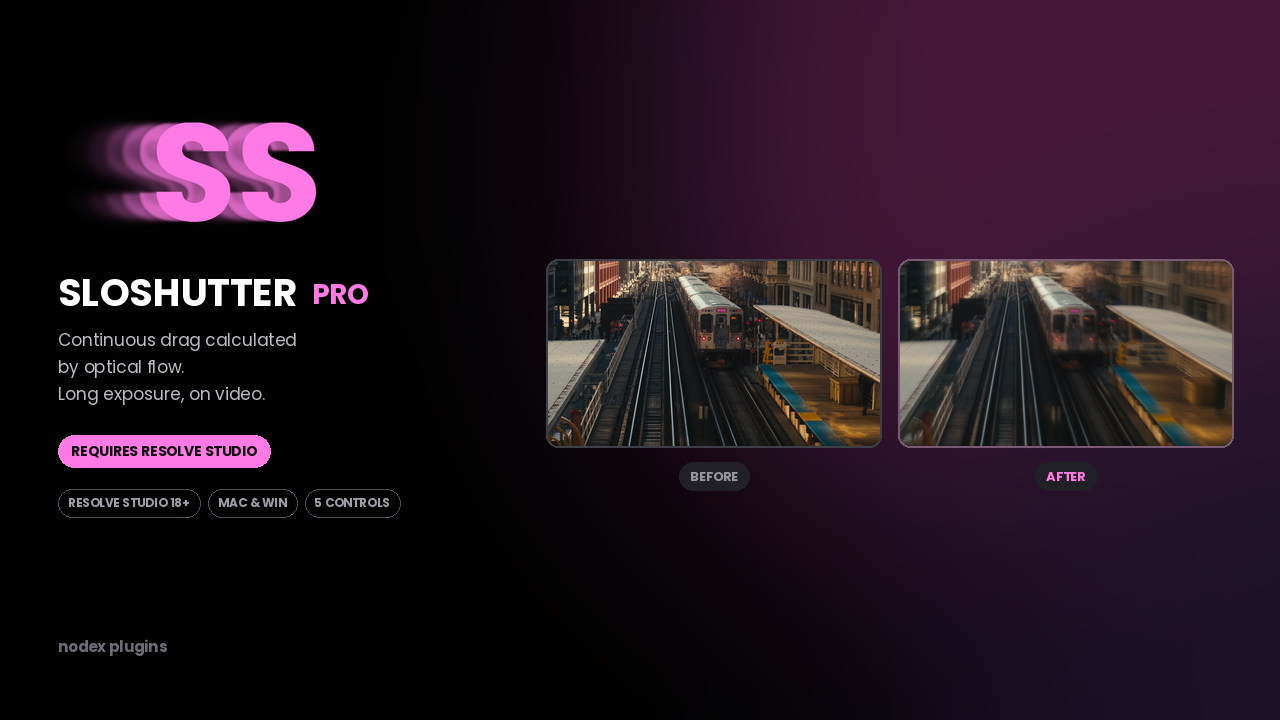
Continuous drag calculated by optical flow. Long exposure, on video.
What it does
Optical flow, not frame stacking.
Motion vectors are calculated between frames and the drag is drawn along them, so the trail is continuous instead of stepped.
Shutter angle you can dial.
Set the drag as a shutter angle and the result matches what a longer exposure would have captured at that frame rate.
Direction and falloff.
Bias the trail forwards, backwards or both around the current frame, and control how quickly it fades.
Five controls, no node tree.
It is one effect on the clip. Everything is in the inspector.
Controls
| Control | Range | What it does |
|---|---|---|
| Shutter angle | 180 – 1440 | Length of the drag. |
| Direction | Back / Both / Forward | Where the trail is drawn relative to the frame. |
| Falloff | 0 – 100 | How fast the trail fades out. |
| Samples | 4 – 32 | Smoothness of the drag against render time. |
| Blend | 0 – 100 | Mix with the original frame. |
Compatibility
| Resolve version | 18 and later |
|---|---|
| Edition | Studio only |
| Platform | macOS and Windows |
| Install type | .drfx, double-click |
| Found under | Effects → Fusion → NODEX |
Install type: Fusion effect (.drfx). See the install guide.
Honest notes
What it can't do.
- Studio only. Optical flow is a Studio feature — in the free edition the effect installs but produces nothing usable.
- Optical flow struggles with motion blur already in the footage, heavy grain, repeating patterns and fast cuts. Artefacts there are the estimator failing, and no setting hides it completely.
- It is slower than Lite. High sample counts on 4K need cache.
- Transparent or reflective subjects confuse the vectors.
What's included
- SloShutter Pro .drfx installer
- Preset set for common shutter angles
- Notes on where optical flow fails and what to do instead
- Free updates on the same Gumroad download
Questions before buying? Write to support@nodexplugins.com — the person who made the plugin answers.
Other plugins
- Social GuideSee exactly what Instagram, TikTok and YouTube will cover, before you export.
- Color PipelineLog to Rec.709 with the node tree already built. One clip or the whole timeline.
- SloShutter LiteMotion trails built by frame accumulation. Shutter drag on your timeline.
- TileazySplit a vertical timeline into 2 to 8 equal tiles. Two dropdowns per clip.